
Gaming · Buyer's Guide
How to Choose the Right Touchscreen Monitor for a Casino Machine
2026-09-14 · 7 min read
By Álvaro AbrilCEO de Geniales.co · Director de KingNews.online
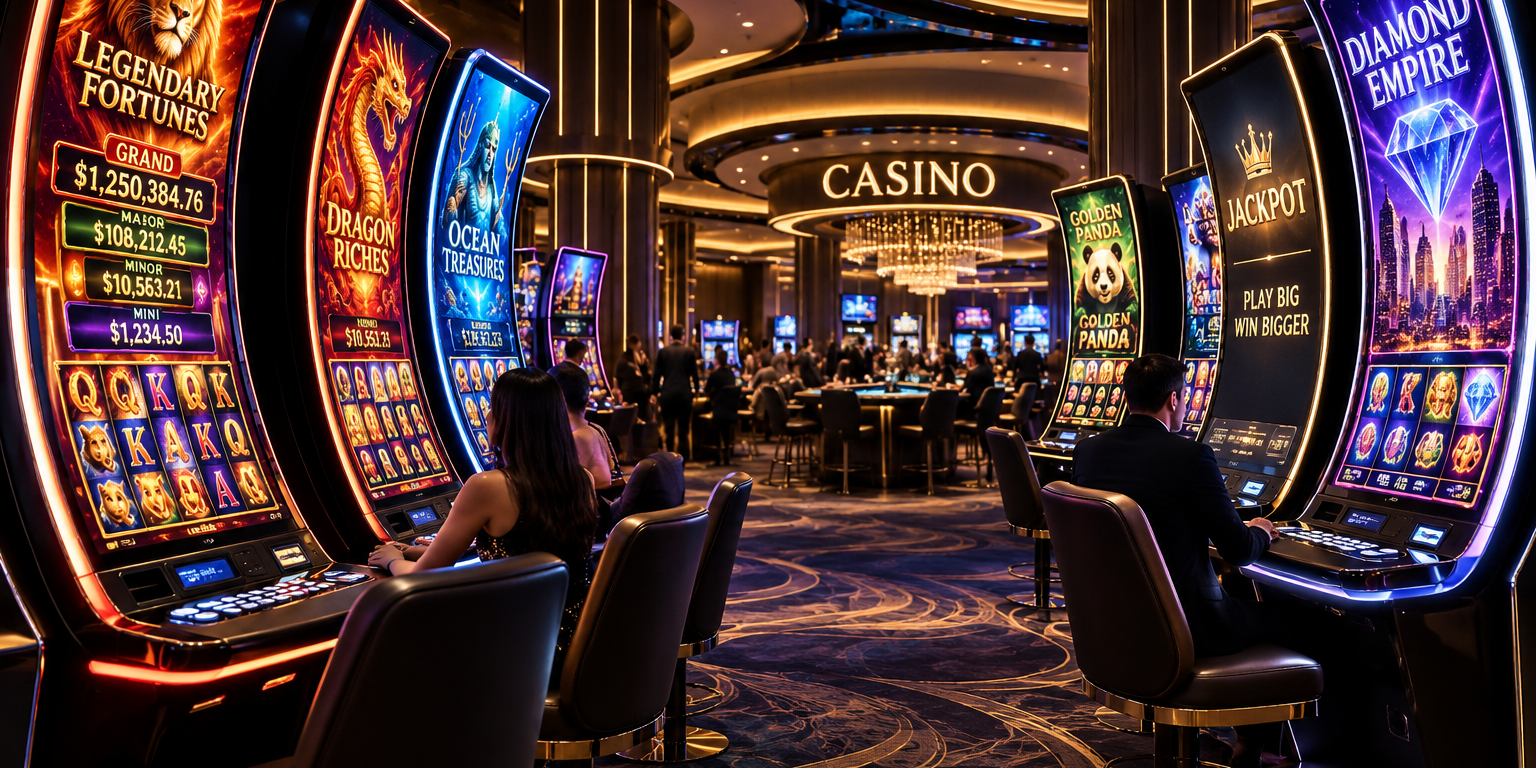
A slot machine monitor is not a television with touch: it is the interface that works thousands of times a day, communicates every prize, and withstands years of continuous operation. This guide explains, without unnecessary complications, how to compare size, format, touch technology, brightness, connections, mounting, and real cost before buying.
You Don't Buy a Screen: You Buy the Gaming Experience
In a casino machine, almost everything happens through the monitor. That is where the player understands the bet, activates features, follows the game, celebrates a win, and decides whether to keep playing. An inaccurate touch response or a washed-out image are not minor flaws: they disrupt the pace and erode trust.
That is why the best screen is not necessarily the largest one or the one boasting the highest resolution. It is the one that fits the cabinet, communicates properly with the gaming computer, maintains legibility under casino floor lighting, and can operate for extended shifts without becoming a constant source of technical support issues.
First Measure the Cabinet and Define the Format
Before comparing brands, measure the visible area, available depth, mounting points, ventilation, and cable routing. Two monitors advertised with the same diagonal size can have completely different bezels, curvature radii, and mounts.
Screens from 21.5 to 27 inches work well in traditional configurations and compact cabinets. Formats from 32 to 43 inches allow for more immersive setups, while C- or J-type curved monitors can integrate the main game, top information, and animations onto a single surface. That spectacularity requires reviewing ergonomics: buttons, text, and touch zones must remain within the player's comfortable field of reach.
It is also advisable to decide from the start whether the unit will be open frame—integrated behind the cabinet's front panel—or if it requires a full chassis. Buying first and adapting later usually results in makeshift bezels, glare, heat buildup, and difficult maintenance.
Touch must feel immediate
For a modern slot machine, projected capacitive technology or PCAP usually offers the most natural experience: fast response, good precision, and multi-touch support. However, it must be tested with the final glass, as its thickness, treatments, and grounding can alter sensitivity.
Resistive technology remains valid in legacy equipment or applications requiring activation with any object, although it offers lower transparency and a less fluid interaction. Infrared solutions can be useful in large formats, but the bezel must be kept clean and well-protected.
Tapping the center of the screen during a demonstration is not enough. Proper testing covers corners and edges, holds fingers down, drags elements, repeats rapid taps, and checks for accidental touches. Compatibility of the touch controller and USB or serial protocol with the existing gaming platform must also be confirmed.
| Tecnología | Ventaja principal | Conviene revisar |
|---|---|---|
| PCAP | Precisión, fluidez y multitouch | Vidrio, tierra, sensibilidad y controlador |
| Resistiva | Activa con dedo, guante u objeto | Menor transparencia y desgaste por presión |
| Infrarroja | Funciona bien en formatos grandes | Limpieza y protección del marco sensor |
Brightness, contrast, and resolution: looking good on the actual floor
Casinos have demanding lighting: decorative lights, glare, neighboring screens, and ambient changes throughout the day. For controlled indoor environments, a range of approximately 300 to 500 nits is usually sufficient; near entrances or natural light, more may be required. Increasing brightness unchecked also raises temperature and power consumption, so it must be evaluated directly at the installation site.
Full HD remains adequate for many small and medium-sized monitors. On large diagonals, highly detailed graphics, or when the player is seated very close, 4K delivers a visible improvement. The decision also depends on the graphics output and computer performance: a 4K display does not help if the game outputs a lower-resolution signal or loses smoothness while rendering it.
IPS and VA panels offer good viewing angles, which are important when someone is watching the machine from the side. Anti-glare glass enhances readability; anti-fingerprint treatment reduces cleaning frequency. Optical bonding, which eliminates the air gap between the panel and the glass, improves contrast, reduces internal reflections, and prevents condensation, though it raises the price and can complicate component-level repairs.
A machine operates far more hours than a television
A commercial monitor may look good during a test and fail when enclosed in a cabinet that operates day and night. The critical specification is not just the panel's advertised lifespan: the power supply, backlighting system, thermal range, heat dissipation, and spare parts availability also matter.
Look for equipment designed for 24/7 operation, featuring a sealed front when the environment demands it, tempered glass, and a thermal architecture that does not rely on small, easily clogged fans. Also check whether the manufacturer guarantees the model's mechanical and electronic continuity; replacing a screen years later should not force a redesign of the cabinet.
MTBF helps compare reliability, but it should not be read as an exact lifespan promise. Ask how it was calculated, which components are covered by the warranty, and how long a replacement takes. On the floor, a halted machine costs more than the initial price difference between two monitors.
Connections, Power, and Mounting: Where Surprises Appear
Confirm the video signal—HDMI, DisplayPort, DVI, or whichever the platform uses—the touch connection, the supply voltage, and the physical location of each port. A technically compatible connector can be rendered unusable if it clashes with the cabinet structure.
Check VESA or custom mounts, rear access, weight, and center of gravity, especially on curved displays. If the monitor integrates RGB lighting, buttons, or additional controllers, define who will manage them and how they will synchronize with game events.
Before approving a major purchase, install a pilot unit in an actual cabinet. Let it run with the final game, measure temperatures, observe glare at different times of day, and allow technicians and players to use it. A single day of testing reveals more than a lengthy specification sheet.
The Shortlist for Decision-Making
The following matrix summarizes the questions that should be resolved before issuing the purchase order:
| Decisión | Pregunta clave | Señal de una compra sólida |
|---|---|---|
| Integración | ¿Cabe y conecta sin rediseñar el gabinete? | Plano mecánico, puertos y muestra validados |
| Imagen | ¿Se lee con la iluminación real de la sala? | Brillo, contraste, ángulo y reflejos probados |
| Tacto | ¿Responde bien en toda la superficie? | Bordes, arrastre y pulsación continua sin fallos |
| Operación | ¿Está diseñado para trabajo continuo? | Gestión térmica, garantía y repuestos claros |
| Servicio | ¿Puede sustituirse sin detener la máquina por semanas? | Stock, soporte técnico y modelo de reemplazo |
| Costo total | ¿Qué ocurrirá durante cinco años? | Compra, energía, limpieza, fallas y tiempo detenido calculados |
The Right Price Is the Total Cost
Comparing only the unit price leaves out installation, adapters, power consumption, cleaning, spare parts inventory, technical visits, and lost revenue during a breakdown. A slightly more expensive screen can be the economical choice if it is installed without modifications, consumes less, and offers immediate replacement.
Smart purchasing starts with the cabinet, the software, and the reality of the floor. It then compares samples, documents tests, and negotiates support. This way, the monitor stops being a flashy piece and becomes what it truly should be: a reliable interface that fades away before the game.
At Geniales.co, where we develop software and digital experiences for companies, we insist on this comprehensive vision: hardware, interface, and operations must be designed as a single system. When all three layers fit together, the player doesn't think about the screen; they simply enjoy the experience.
Enlaces
Get KingNews in your inbox
Tech and gaming digest, no noise. Unsubscribe anytime.
Want to send us a news story?
Tell us your story. Our editorial team reviews it and gets back to you.
Would you like to advertise with us?
Write to us and we'll send you ad options and audience data.
More stories

Ciencia ficción · Conciencia · Futuros posibles
¿Y si ya estuvieras viviendo otra vida?
Gamificación · Fidelización · Marketing interactivo
GenerativeGames.online: juegos a medida que convierten clientes ocasionales en una comunidad fiel

Opinión · Automatización · Política fiscal
Que los robots también coticen: por qué la automatización necesita reglas fiscales, no prohibiciones

Economía · Inteligencia artificial · Futuro del trabajo
Microsoft ofrece salidas voluntarias a 60.000 empleados: qué hay detrás de la cifra y qué abre para las startups
Comercio electrónico · Eventos · Colombia
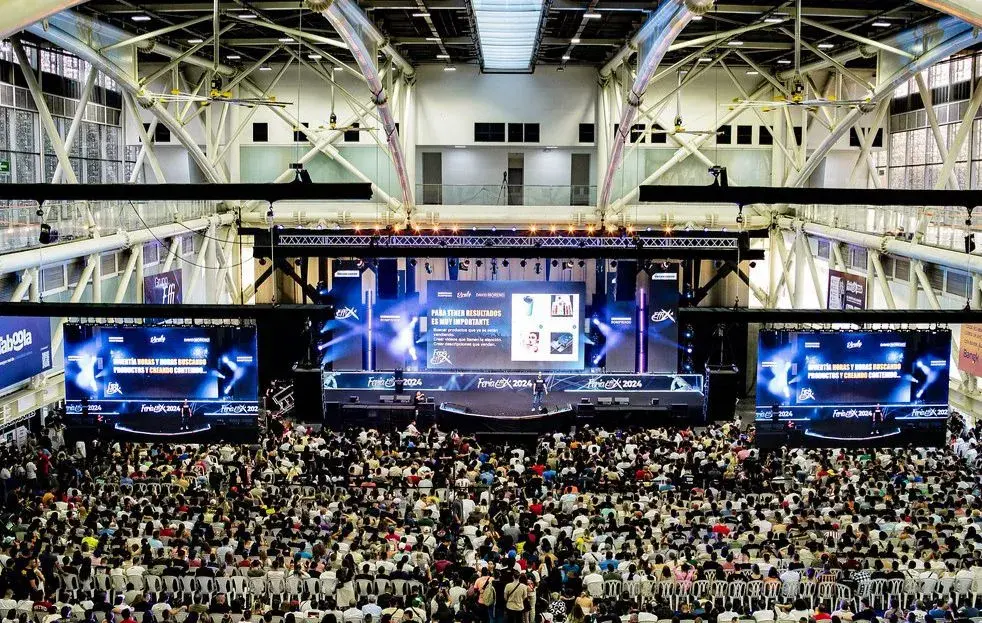
Feria Effix 2026: Medellín se convierte en la capital del comercio electrónico
Robótica · Inteligencia artificial · Sistemas autónomos